One fictional meeting, three ways to remember it
The example conversation is a product-planning meeting about simplifying onboarding. The team agrees on one clear starting path, a prototype before expanding the design, and a Friday review. Maya owns wireframes, Alex the prototype, and Sam the review plan.
These images are illustrative AI-generated examples created from synthetic content. They contain no private recording or customer transcript. They show possible visual approaches, not guaranteed app output. This guide describes Tagalong 3.4.1, checked September 5, 2026.
Sketchnote: remember the central idea
A sketchnote uses a few drawings and short labels to make an idea memorable. Here, the open door represents a clear starting point, the wireframe represents a prototype, and the calendar represents the review.
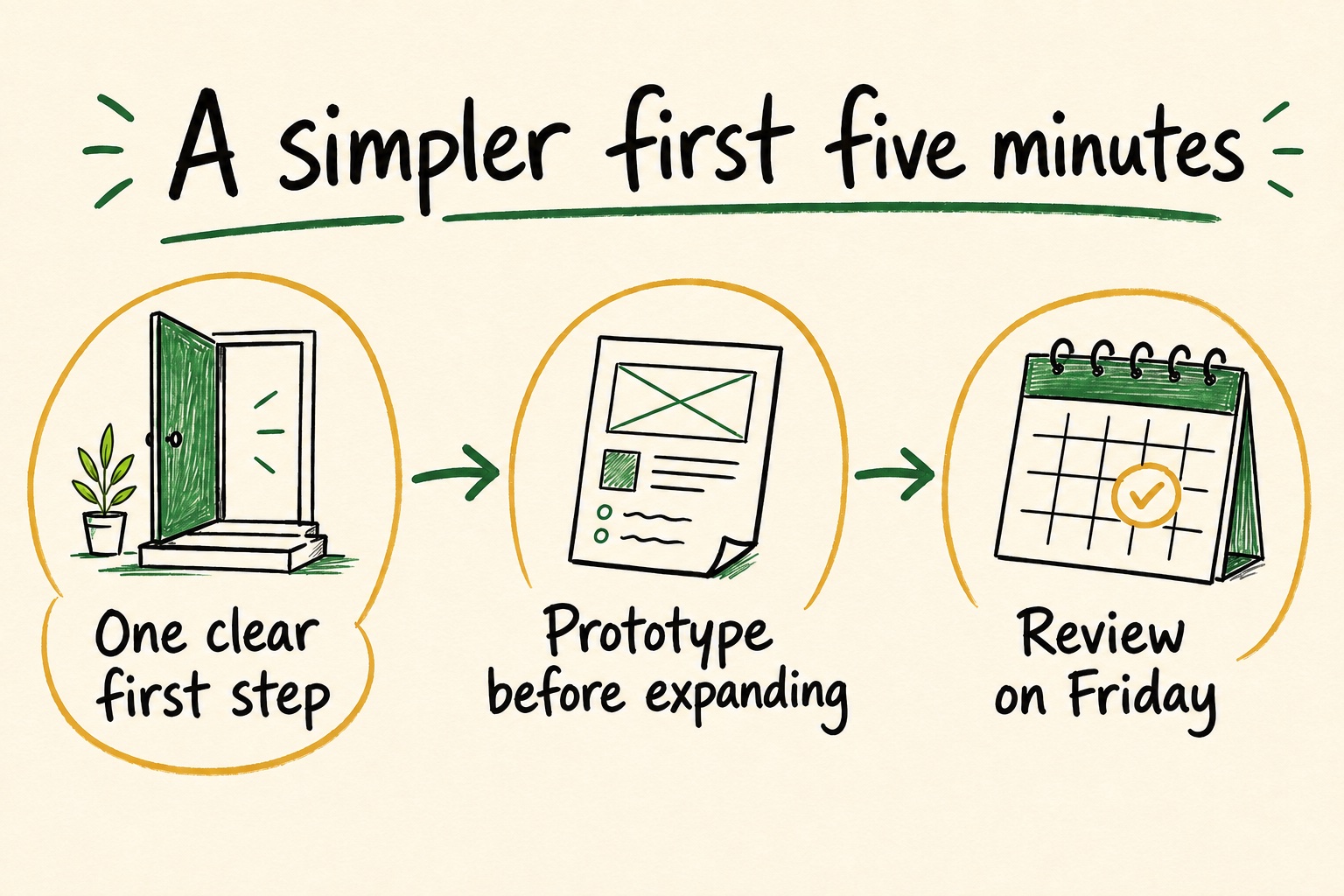
Text equivalent: Start with one clear path. Prototype before expanding. Review on Friday.
Use this approach when the most useful takeaway is a principle the team should remember. Check that the drawing does not turn a tentative suggestion into an approved decision.
Process map: make the sequence visible
A process map emphasizes order and connections. It is helpful when people agree on the goal but need a shared understanding of what happens first.
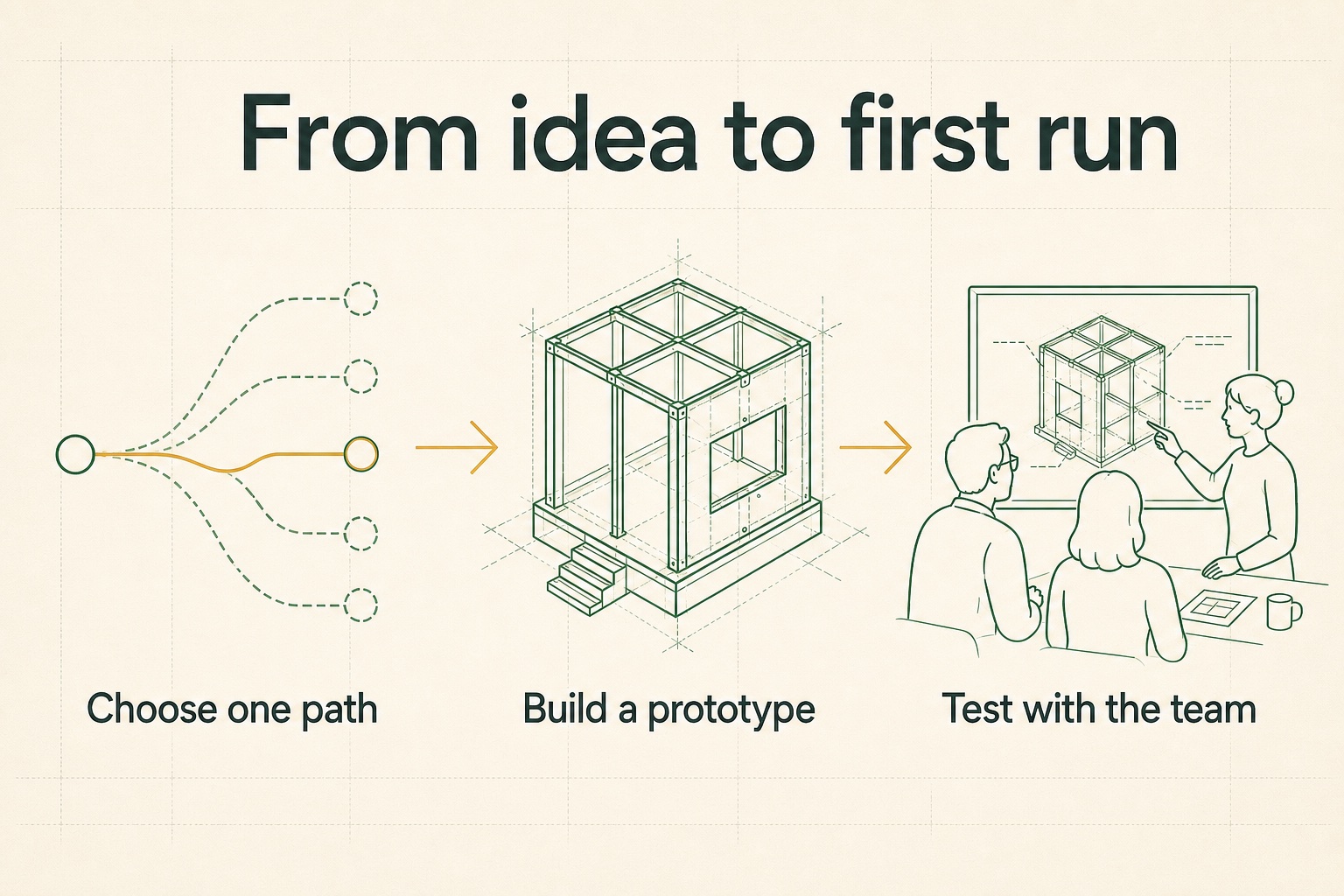
Text equivalent: Choose one path → build a prototype → test with the team.
This compressed sequence leaves out implementation detail. Keep the source notes available for dependencies, exceptions, and questions that the map cannot show.
Next-step plan: connect work to owners
A plan makes the handoff visible. In this fictional example, three people own different pieces of the follow-up.
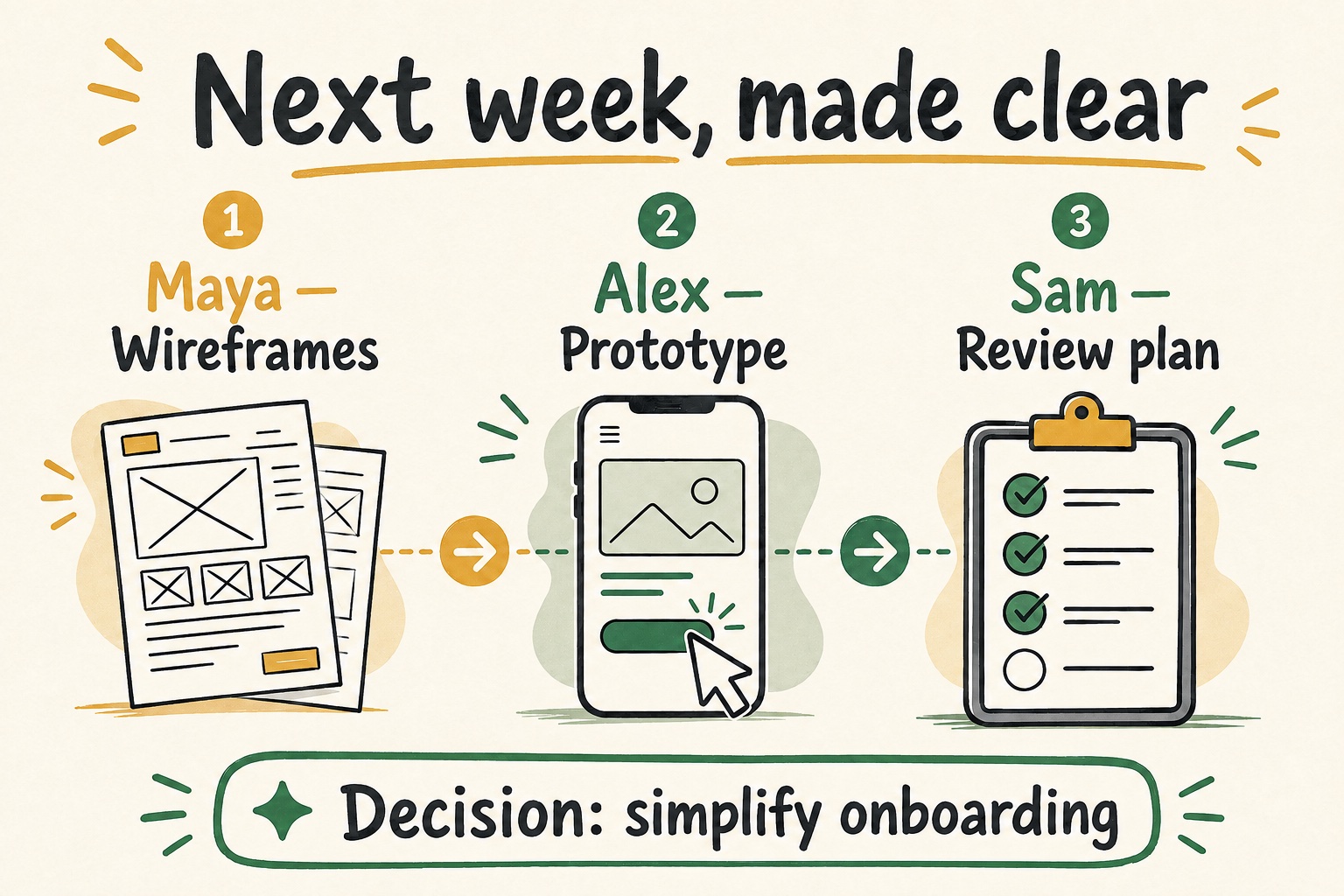
Text equivalent: Maya: wireframes. Alex: prototype. Sam: review plan. Decision: simplify onboarding.
A name in a generated image is not a task assignment in another application. Review the underlying action items and export selected tasks if you want them in a task manager.
Create and review visual notes in Tagalong
- Record or open a meeting and wait for the relevant processing to complete. Check the summary and your personal notes first.
- Open the meeting’s visual-note controls and choose the visual style and available palette that suit the material. Visual-note generation requires a paid plan and provider access.
- Generate the image. Relevant meeting context goes to the image-generation provider; the result is saved locally.
- Review text, names, dates, arrows, and implied decisions against the source. Regenerate or choose a different format when the result is misleading.
- Revisit saved images in the visual-notes gallery. Share only a reviewed result appropriate for its audience.
The expanded visual-notes gallery is included in the public 3.4.1 workspace. Images remain subject to the same practical review as other AI output: attractive presentation does not establish accuracy.
Keep the image connected to its source
Visual notes work best alongside the transcript, summary, and personal notes. Use the image to recall the meeting, then open the source when you need an exact statement or a disputed detail.
For the complete workflow, see AI meeting notes for Mac. For local storage and provider boundaries, read where Tagalong’s meeting data goes. Compare plans before choosing visual notes as part of your setup.
Questions & answers
Does Tagalong generate these images entirely on the Mac?
No. Visual-note generation sends relevant meeting context to an image-generation provider. The resulting image is saved in your local meeting library.
Are these screenshots from real customer meetings?
No. The gallery uses illustrative AI-generated artwork created from fictional meeting content. Actual output varies; the examples are not an accuracy benchmark.
Can a visual summary replace the transcript?
No. A visual summary compresses context and can omit details or introduce errors. Check names, dates, decisions, and labels against your transcript and notes before sharing it.
Explore this topic
- Watch visual notes in the app tour
See the native meeting workspace using synthetic content.
- Understand image-generation data flow
Separate the locally saved image from the cloud request that generates it.